
Exterior and interior images are automatically cleaned and prepared.
PIXFYX
Your inventory.
Showroom ready.
You already did the hard part — acquiring the car. Pixfyx makes sure it looks ready to buy online.
Clean the vehicle.Clean the cabin.Brand the listing.
Automatically. Consistently. At scale.
See Pixfyx in actionEXTERIOR PIXFYX
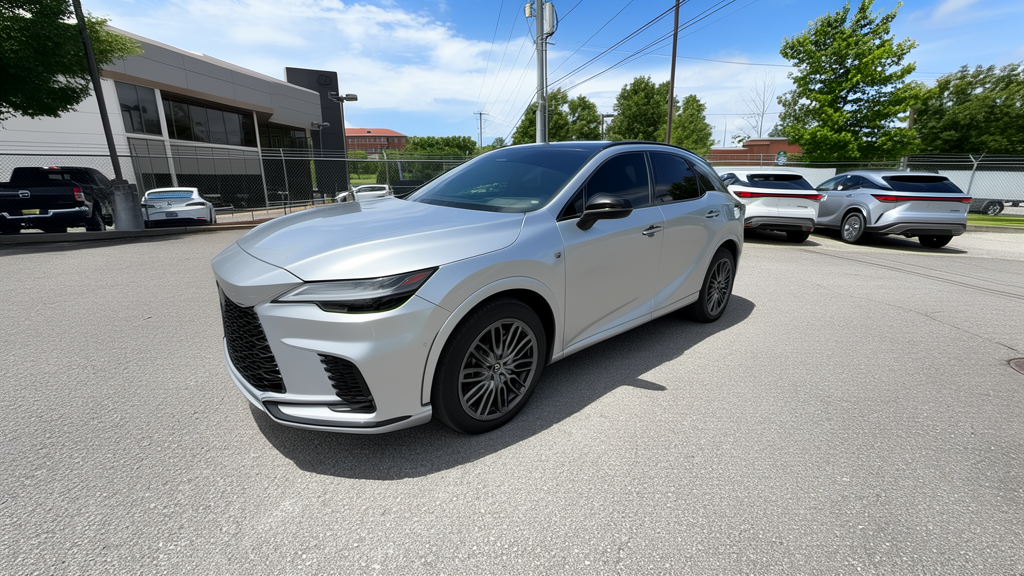
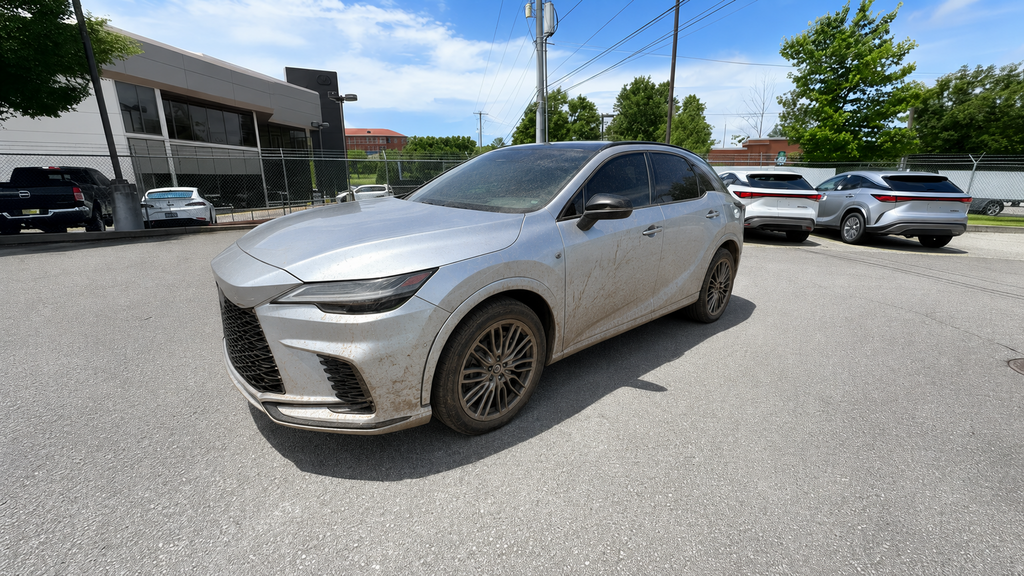
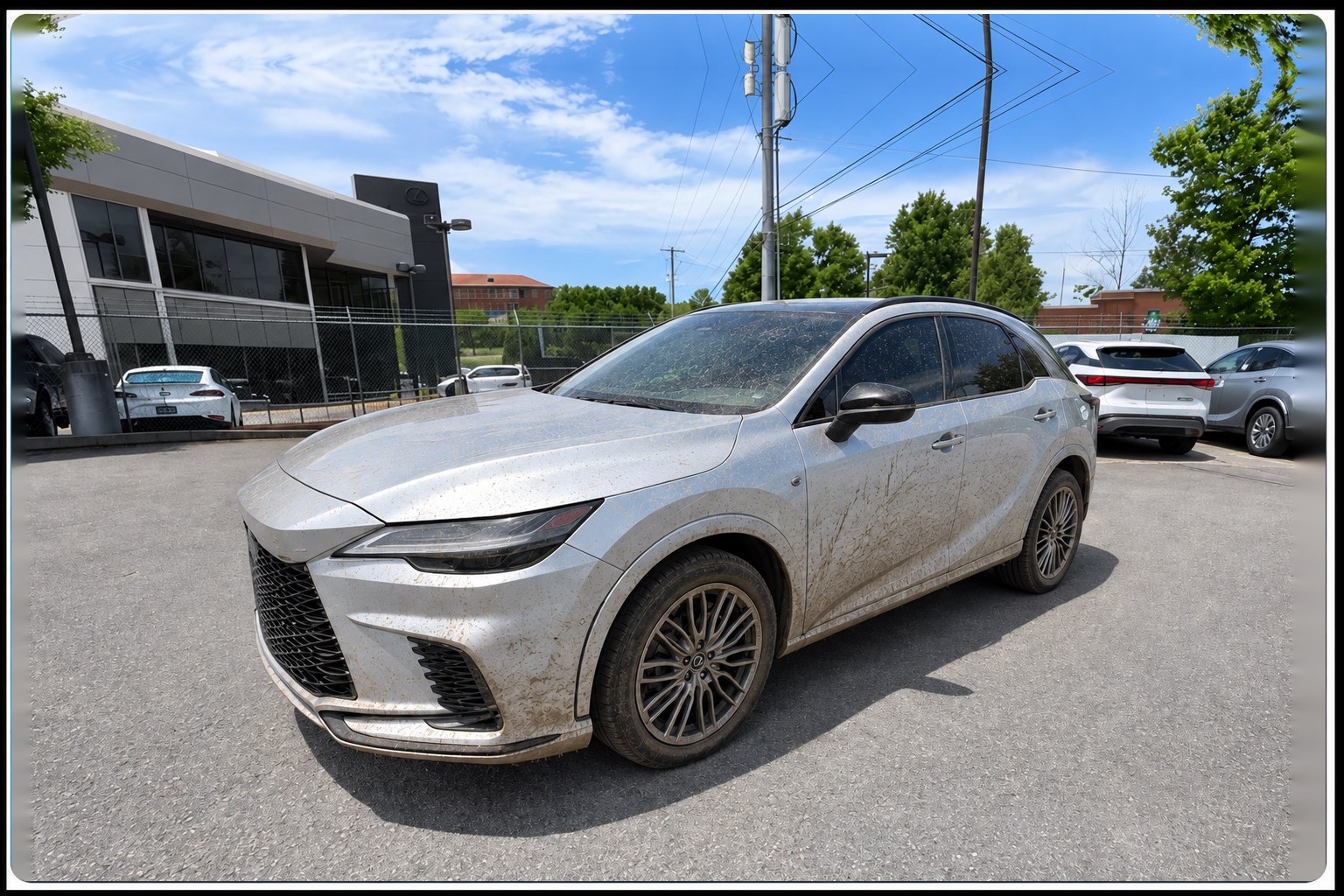
Make the car look front-line ready.
Not artificially perfect. Just clean.
↔
Pixfyx digitally cleans the vehicle while preserving the actual vehicle, equipment, condition and photography. We are not replacing the dealer’s photography — we are improving it.
INTERIOR PIXFYX
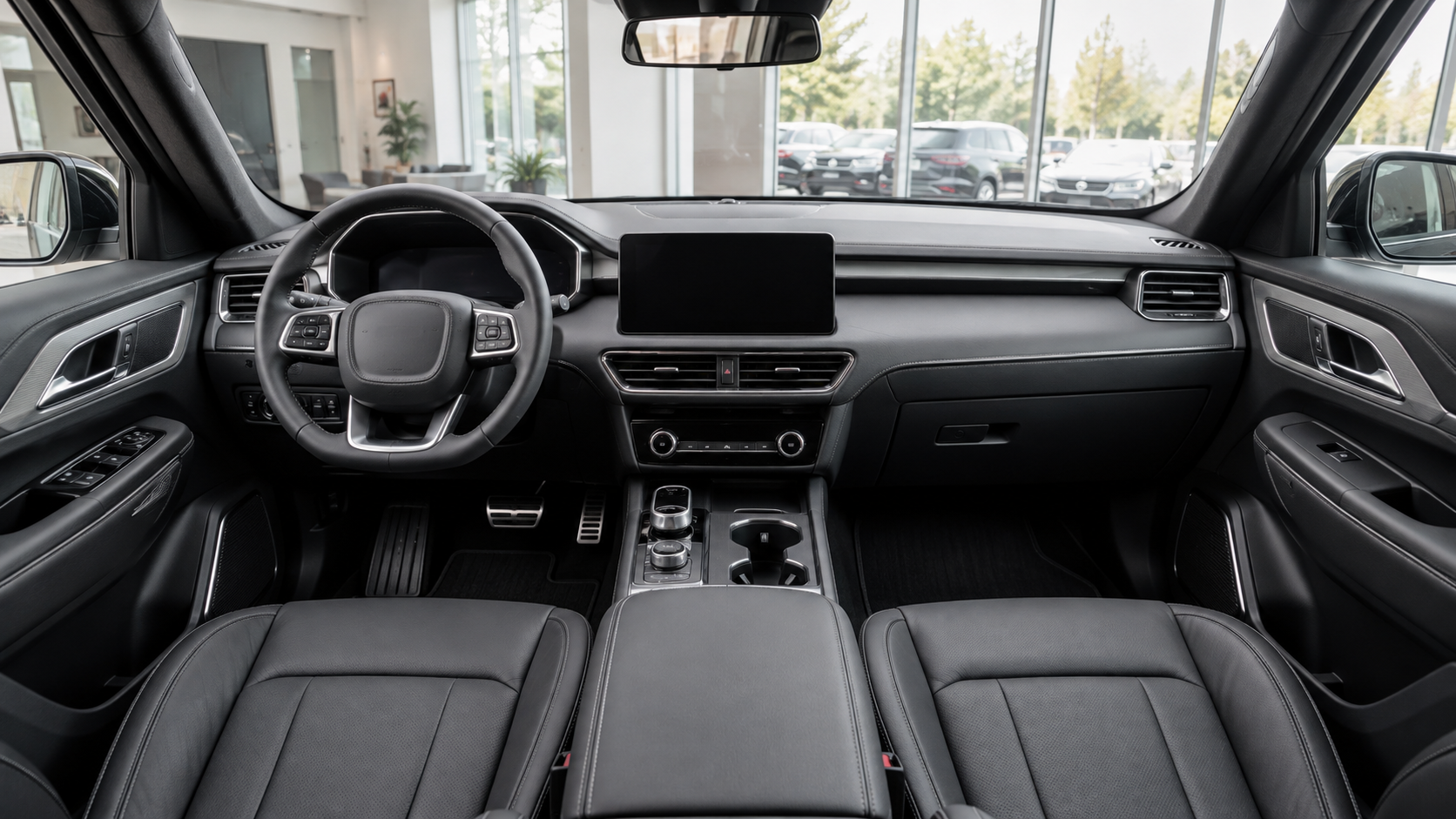
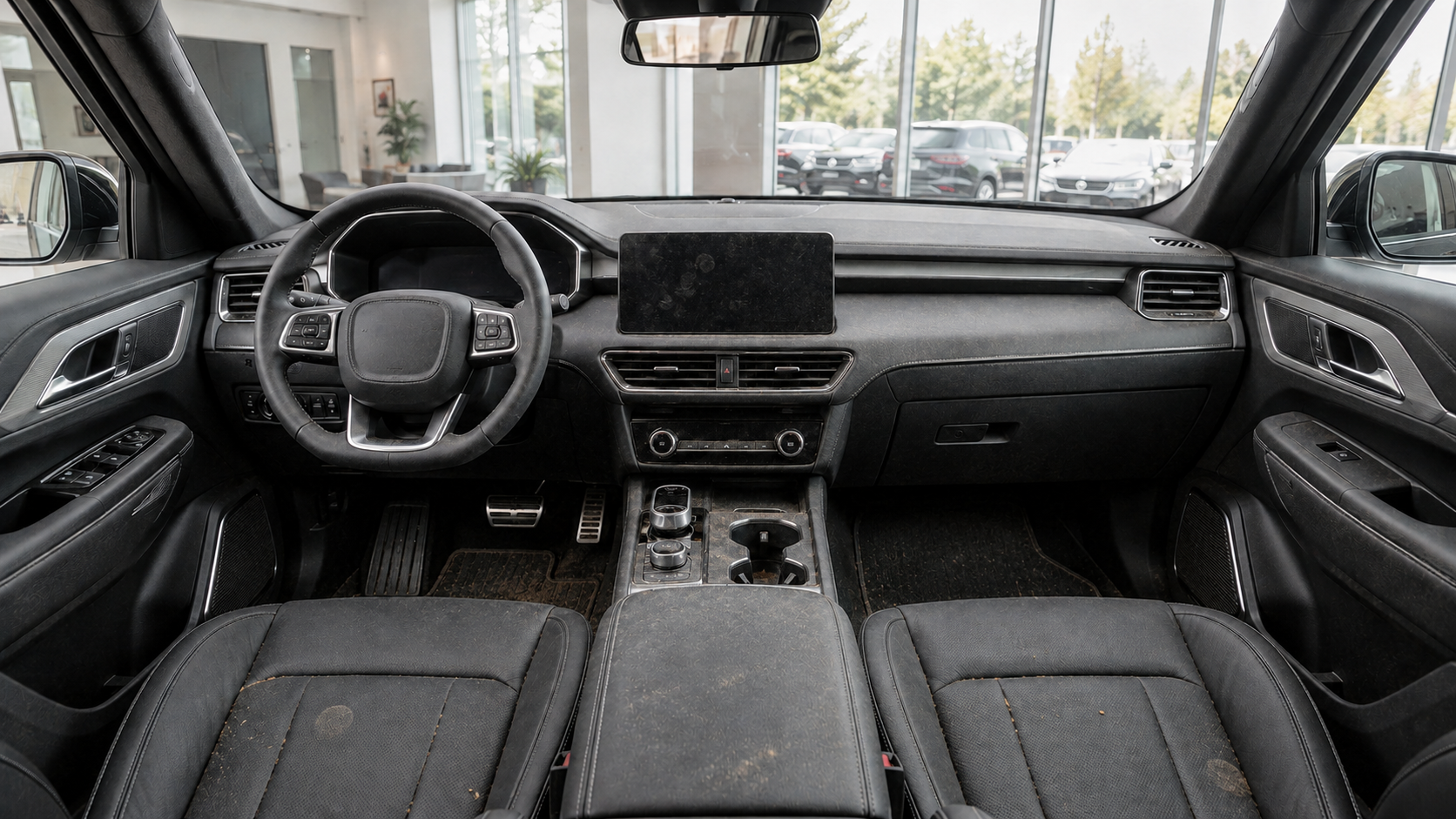
Because shoppers look inside, too.
↔
Pixfyx cleans up the distractions that make an otherwise retail-ready vehicle look unfinished online — without changing the vehicle itself.
The car may be waiting for detail.The listing doesn’t have to.
BRAND PIXFYX
Your cars. Your brand.

↔
Apply consistent dealership branding, backgrounds and overlays across your inventory without rebuilding every photo by hand.
MEET AUTOPILOT
One click handles
the busywork.
From the vehicle page in Vynalytix, press AutoPilot and two things happen at once.
A vehicle-specific description is created and optimized for both SEO and AEO — helping your inventory communicate with search engines and AI shopping platforms.
Then make it yours.
Choose backgrounds and add overlays to the photos you want — those decisions stay in your hands.
THE PIXFYX WORKFLOW
Your photos in.
Retail-ready inventory out.
Pixfyx takes your vehicle photos and turns them into clean, consistent, professionally merchandised inventory — ready for shoppers to see.
CAPTURE→PIXFYX→BRAND→PUBLISH
BUSINESS OUTCOME
Get cars online faster.
Less waiting on cleanup. Less manual photo work. More consistent merchandising across your inventory. Every day a vehicle waits for photos, cleanup or merchandising is another day it isn’t properly competing for a shopper.
VEHICLE ARRIVAL→RETAIL-READY LISTING
Pixfyx shortens the path from arrival to retail-ready listing.
Stop waiting to merchandise inventory.
Your cars don’t make money sitting in recon, waiting on photos or looking unfinished online.
Get them clean.Get them branded.Get them listed.
Pixfyx.
Book a demo